Set up your sites
Add client locations, zones, posts, checkpoints, entrances, and operating rules.
How It Works
Securinos helps teams set up sites, assign guards, manage patrols, respond to incidents, and keep clients informed through one connected security operations platform.
One connected workflow from site configuration through field proof and client reporting.
Add client locations, zones, posts, checkpoints, entrances, and operating rules.
Schedule guards, assign posts, define responsibilities, and share instructions.
Supervisors monitor guard activity, site status, patrol progress, and alerts in real time.
Guards scan checkpoints, follow patrol routes, and create time-stamped proof.
Teams report incidents, send alerts, assign responses, and keep supervisors updated.
Generate daily summaries, incident records, and proof of completed work.
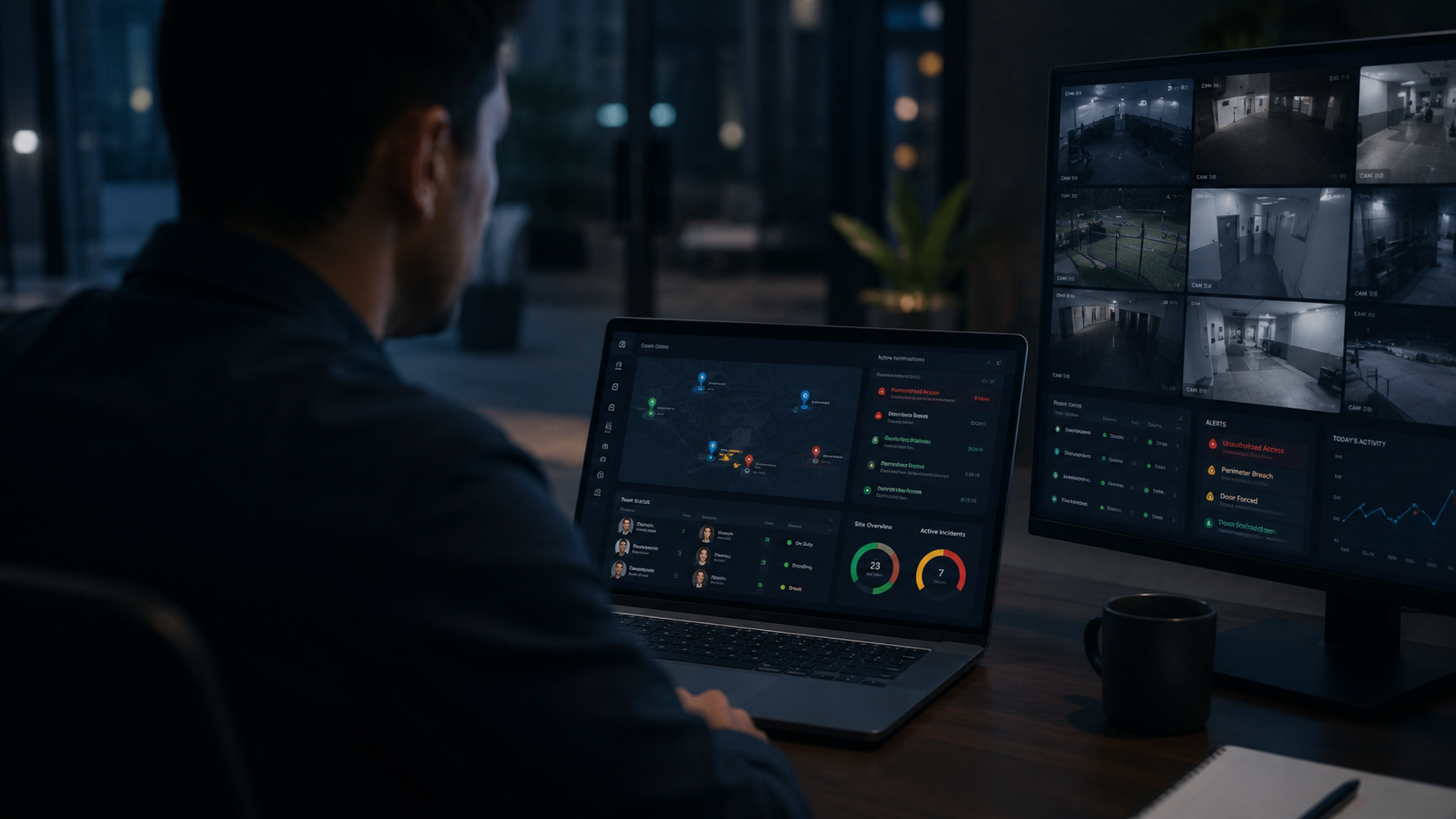
Creates sites, teams, schedules, rules, and reporting structure.

Monitors live activity, assigns response, checks patrols, and reviews incidents.
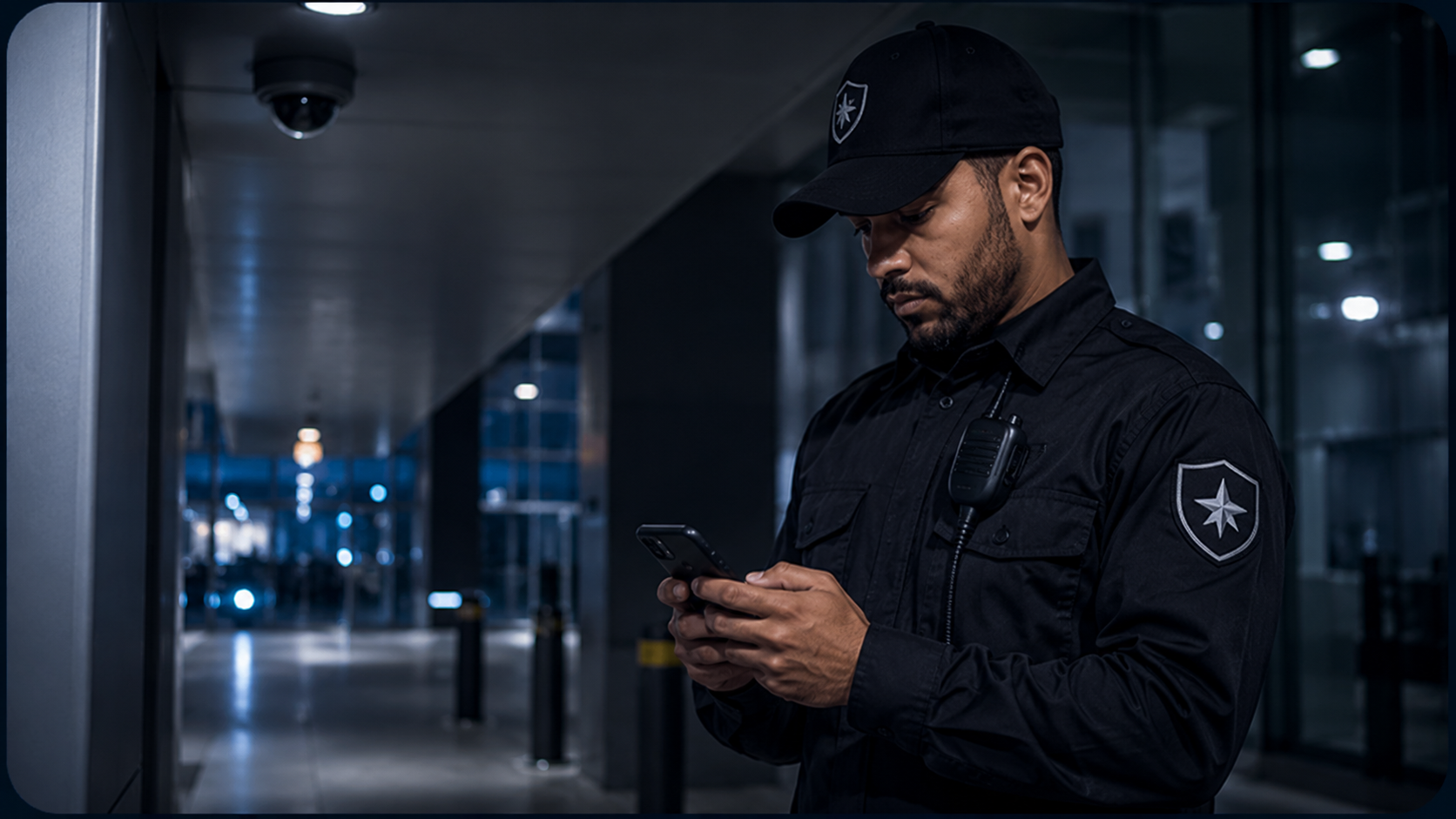
Receives tasks, follows post orders, scans checkpoints, reports incidents, and updates status.
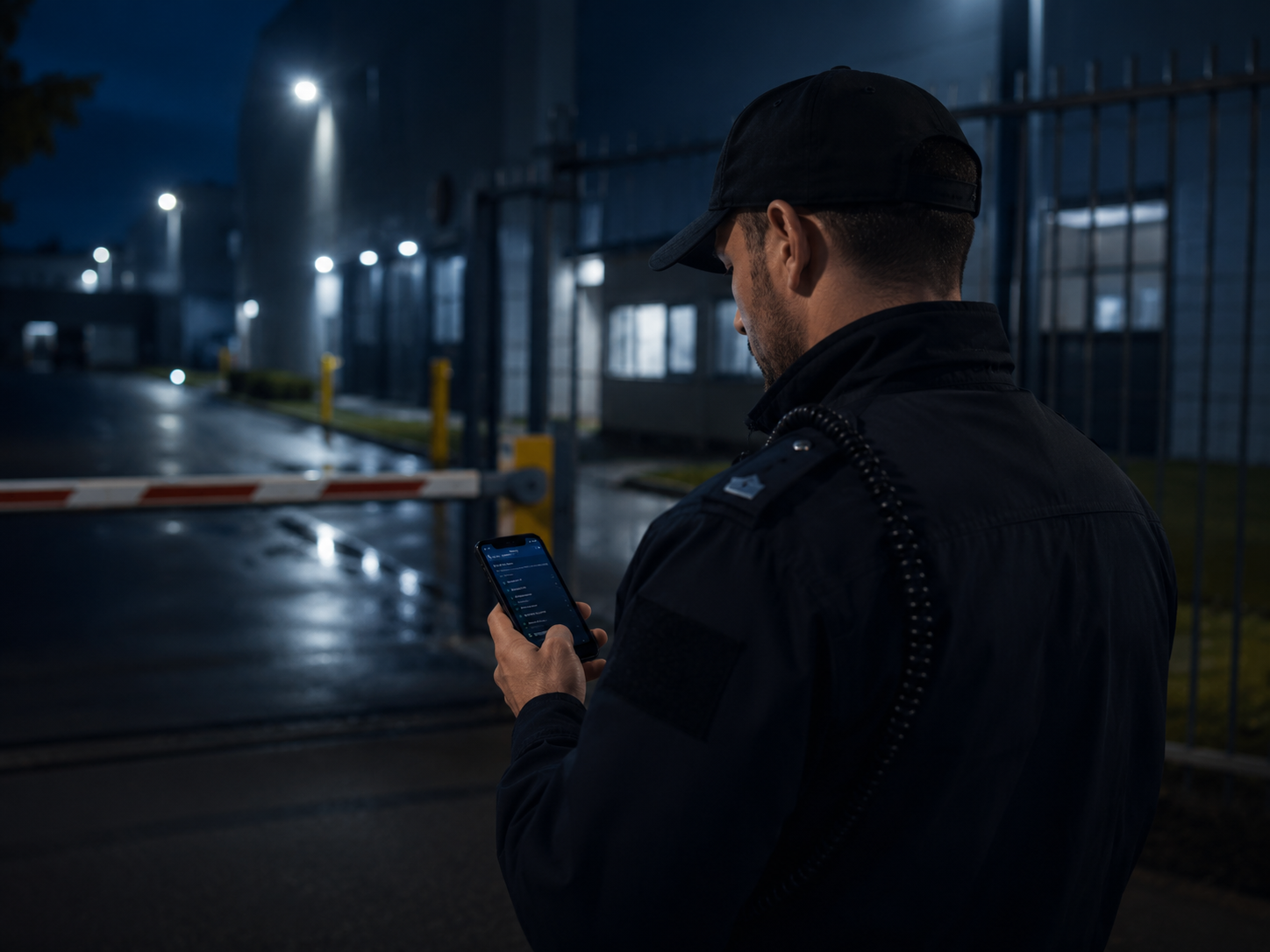
Everything guards need, right on their mobile.

Real-time visibility across all sites and teams.

Clear visibility and proof of performance.
Create, assign and track post orders and tasks.
Learn moreReport, track and resolve incidents efficiently.
Learn moreInstant alerts and notifications during critical events.
Learn moreReal-time overview of all sites, guards and activities.
Learn moreTrack guard location and movement in real time.
Learn moreVerify patrols with GPS and QR/NFC checkpoints.
Learn morePlan shifts, manage schedules and attendance.
Learn moreCapture and store photo and video evidence.
Learn moreDetailed reports and analytics for better decisions.
Learn moreFrom guard assignment to live tracking, incident response, and client reporting, Securinos gives your team one connected way to run field security.