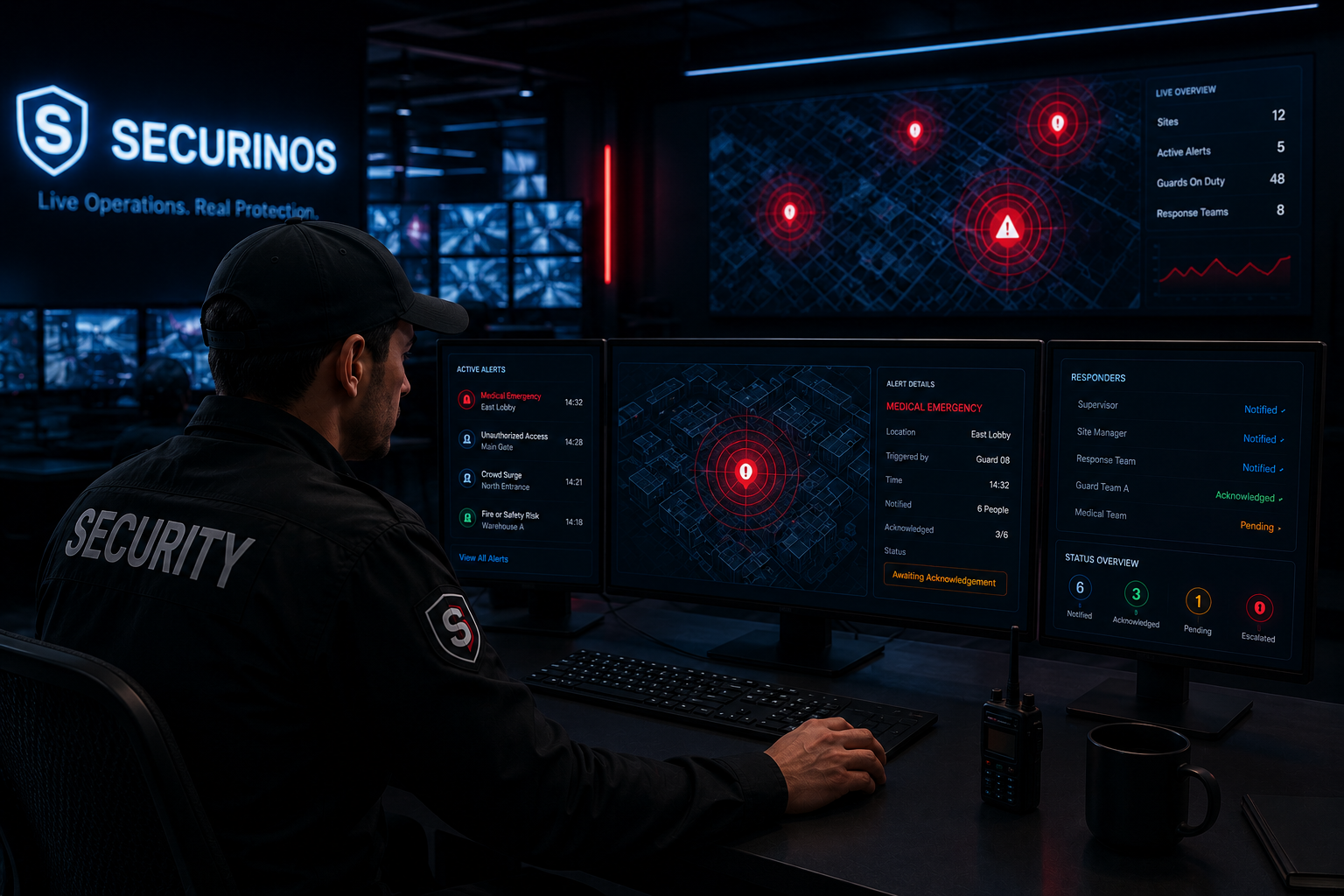
Send alerts fast.Coordinate response faster.
Trigger emergency alerts from the field, notify supervisors instantly, and keep every urgent response visible until the situation is under control.
- Instant Notifications
- Acknowledgement Tracking
- Smart Escalations
- Complete Audit Trail
Alert Types We Handle
Handle every critical situation with the right alert.
Medical Emergency
Fire or Safety Risk
Crowd Surge
Unauthorized Access
VIP Protection Alert
Evacuation Alert
Site Lockdown
How Emergency Alerts Work
01 Trigger Alert
Guard or staff triggers an emergency alert from the mobile app or device.
02 Notify Team
The right people are notified instantly based on alert type and location.
03 Acknowledge Response
Recipients acknowledge the alert so you know who's on it.
04 Escalate If Needed
If there's no response, the alert escalates to backup contacts.
05 Close With Record
Resolve the alert and automatically create a complete audit record.
Alert Routing & Escalation Rules
Send every emergency alert to the right people, then escalate automatically when action is not confirmed.
SMART ALERT ROUTING
Reach the right people without creating noise.
Securinos routes emergency alerts by site, role, shift, and alert type so supervisors, nearby guards, managers, and response teams receive the right message at the right moment.
By site
Alert only the team responsible for the affected location.
By active shift
Notify guards and supervisors currently on duty.
By emergency type
Route medical, fire, crowd, access, or VIP alerts to the right responders.
By supervisor role
Keep managers and command staff informed when escalation is needed.
By client contact
Notify approved client contacts only when the alert requires visibility.
Escalation path
01 Guard triggers alert
One-tap emergency signal
02 Supervisor notified
Live alert received
03 Response team assigned
Nearest team alerted
04 No acknowledgement
Timer detects delay
05 Escalated to backup
Backup contact notified
06 Controlled & closed
Action recorded
- Sent
- Delivered
- Acknowledged
- Escalated
- Controlled
- Logged
Smart Routing, Right People, Right Time
Send alerts to the right people based on rules you define — so the right team responds faster.
- By Site
- By Guard Team
- By Supervisor Role
- By Emergency Type
- By Active Shift
Acknowledgement & Escalation
Track every step of the alert lifecycle. Know who received, who acknowledged, and when escalation was triggered.
- Sent
- Delivered
- Acknowledged
- No Response
- Escalated
- Controlled
- Closed
Complete Alert History & Audit Trail
Every alert is automatically logged with all actions, acknowledgements, and updates.
| Alert Type | Location | Triggered By | Time Triggered | Notified | Acknowledged | Status | Actions |
|---|---|---|---|---|---|---|---|
| Medical Emergency | East Lobby | Guard 08 | Today, 14:32 | 6 People | 3/6 | Awaiting Acknowledgement | |
| Fire or Safety Risk | Warehouse A | Guard 12 | Today, 12:11 | 8 People | 8/8 | Controlled | |
| Unauthorized Access | Main Gate | Guard 03 | Yesterday, 23:45 | 4 People | 4/4 | Closed |
Ready to respond faster in critical moments?
Give your guards and supervisors a faster way to send alerts, confirm response, and keep every emergency action visible.